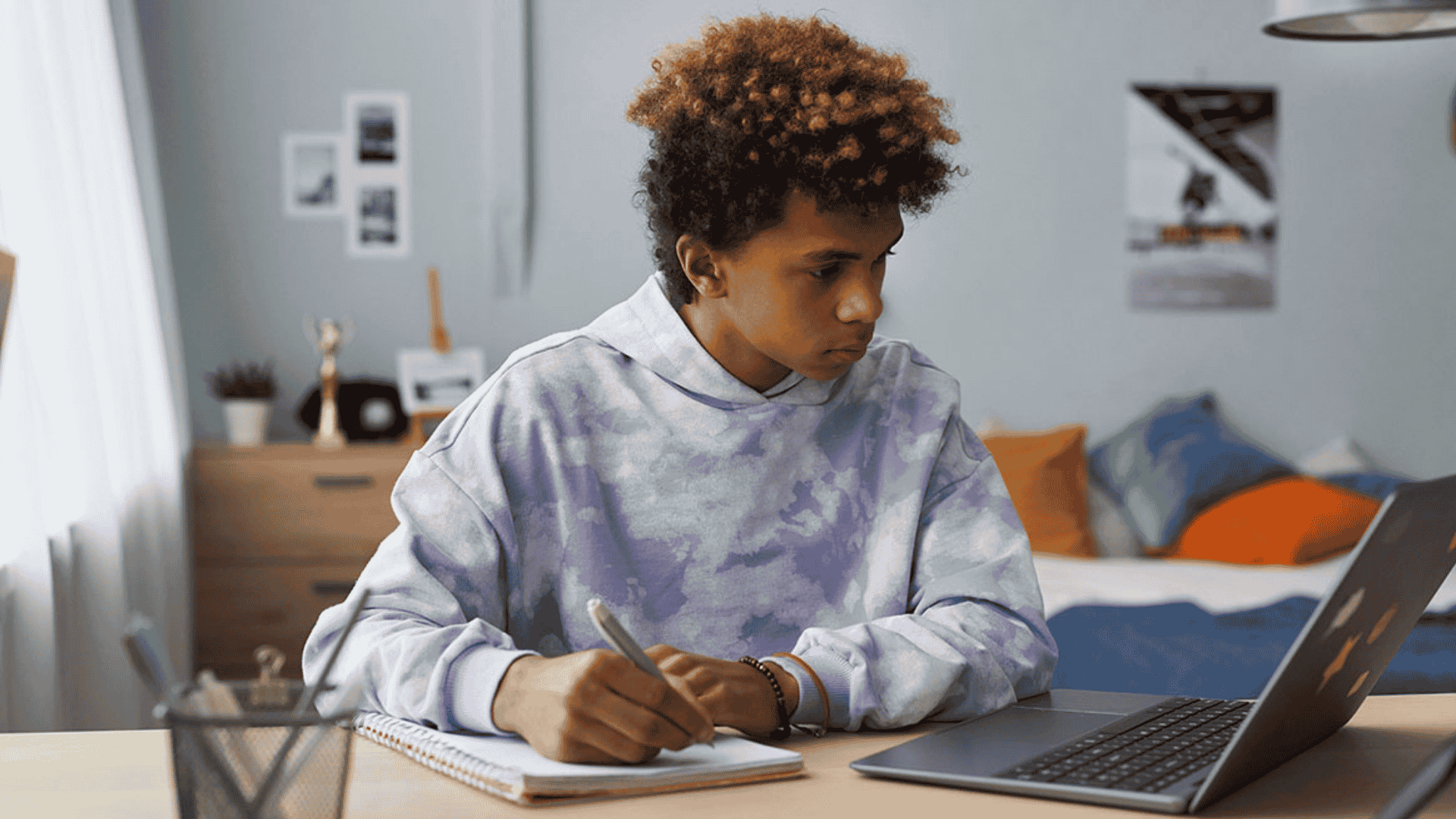
When families start considering virtual school, one question rises to the top: How much time will my child actually spend staring at a screen? For many parents, the mental image is an 8-hour school day locked in front of a laptop, and that picture is enough to give anyone pause. The good news is that reality looks very different, especially at Golden Crane Digital Academy, where the curriculum is built around balanced learning rather than digital consumption.
This guide breaks down the actual screen time online school requires by grade level, explains why not all screen time is created equal, and offers practical strategies for supporting digital wellness at home.
The Screen Time Numbers Parents Need
The first thing to understand about how much screen time virtual school requires is that it scales with age and developmental readiness. At Golden Crane Digital Academy, the daily online time is structured to match what each age group can meaningfully engage with.
Here is what a typical school day looks like across grade levels:
- Grades K-2: Approximately 2 to 3 hours online daily, representing roughly 30 to 40% of total learning time
- Grades 3-5: Approximately 3 to 4 hours online daily, representing roughly 50 to 60% of total learning time
- Grades 6-8: Approximately 4 to 5 hours online daily, making up the majority of structured learning time
- Grades 9-12: Approximately 5 to 6 hours online daily, reflecting a high school workload with greater independence
For a kindergartner or first-grader, that means the screen is part of the day, not the whole day. The remaining hours are filled with hands-on projects, physical movement, creative play connected to lesson themes, and offline exploration. Even at the high school level, the 5 to 6 hours of screen time is distributed across live class sessions, independent coursework, and self-directed project work, which is meaningfully different from passive scrolling.
To see how the full academic program is structured across grade levels, visit Golden Crane Digital Academy's Academic Overview.
Not All Screen Time Is the Same
Here is the nuance that gets lost in most conversations about online school screen time by age: a child sitting in a live class discussion with a certified teacher and eight classmates is having a completely different experience from a child watching unrelated videos on a tablet. Researchers who study child development consistently distinguish between passive and active screen time, and that distinction matters enormously when evaluating virtual school.
Passive screen time includes things like watching entertainment videos, scrolling social media, or consuming content without any interaction. This is the category that pediatric organizations flag most frequently in their screen time recommendations.
Active screen time includes things like:
- Participating in a live, teacher-led virtual class
- Collaborating with classmates on a shared project
- Completing interactive assignments that require critical thinking and problem-solving
- Using multimedia simulations and learning tools designed for academic engagement
At Golden Crane, the online hours in a student's day are largely composed of active screen time. Students are engaging with teachers, responding to questions, working through assignments, and building real skills. This does not eliminate the need for intentional screen time management, but it does change the picture considerably for parents worried about developmental health.
What Happens Off the Screen at Each Grade Level
A well-designed virtual school curriculum treats the computer as one tool among many, not the entire educational experience. At Golden Crane Digital Academy, the offline portion of the school day is just as purposeful as the online portion.
Elementary School (K-5)
For the youngest learners, the elementary program at Golden Crane is built around the understanding that children in this developmental stage need tactile, physical, and creative experiences as a core part of learning. Offline learning at the K-5 level includes:
- Hands-on project-based learning activities using physical materials shipped directly to the home
- Movement breaks woven throughout the day to support physical activity and focus
- Art, music, and physical education integrated into the overall curriculum
- Reading physical books and completing literacy-based activities away from the screen
- Outdoor exploration and nature observation tied to science and social studies concepts
The Learning Coach (typically a parent or guardian) plays an active role in supporting these offline learning experiences, especially in grades K-2, where the online-to-offline balance leans most heavily toward hands-on work.
Middle School (6-8)
As students move into the middle grades, they begin building greater independence in managing their own learning schedule. Offline learning at this level includes:
- Project-Based Learning (PBL) that connects academic content to real-world challenges
- Physical education and movement built into the daily routine
- Research activities that extend beyond digital sources
- Cross-curricular creative projects that may involve building, designing, or producing physical work
Middle school is also a critical window for developing healthy screen habits and time management skills, both of which are explicitly supported through the structure of the school day.
High School (9-12)
High school students at Golden Crane engage in some of the most meaningful offline learning experiences in the entire program. PBL at this level often means leaving the computer entirely to conduct community research, interview subject-matter experts, develop solutions to real problems, or produce work with tangible real-world impact. Students may also access career-connected learning opportunities, internships, and community involvement programs that take learning beyond any screen.
Why Project-Based Learning Is a Natural Screen Time Solution
One of the most effective ways to manage how much screen time virtual school requires is to choose a program where the curriculum itself pushes students away from the computer. This is precisely what project-based learning accomplishes.
At Golden Crane Digital Academy, Project-Based Learning (PBL) is a key instructional approach. When a student is engaged in a project, the most important work often happens offline: building a physical prototype, conducting an experiment, creating an art piece, interviewing a community member, or producing a documentary. The screen is where the research begins and the final product is shared. The actual doing happens in the real world.
This is a meaningful difference from programs where students cycle through digital worksheets and video lessons for the bulk of the school day. Families who choose a PBL-based model are, by design, choosing a program where balanced learning is structural rather than aspirational.
Practical Strategies for Digital Wellness at Home
Even in a thoughtfully designed virtual school environment, families can take steps to support healthy screen habits and protect their children's developmental health. Here are strategies that work well for online school families:
- Create a dedicated screen-free zone. Designate at least one room or area of the home, such as the dining room or a reading nook, where devices are not allowed. This gives children a natural offline retreat throughout the day.
- Build movement breaks into the schedule. Even when the curriculum includes movement, parents can reinforce this by stepping outside for 10 to 15 minutes between subjects. Physical activity directly supports focus and cognitive performance.
- Consider blue light glasses for extended sessions. For older students with longer daily online requirements, blue light-filtering lenses can reduce eye strain and support more comfortable engagement with screens.
- Schedule outdoor time after school hours. Treating the end of the school day as an outdoor reset, particularly in Texas where outdoor time is accessible most of the year, helps children decompress and transition out of screen-focused work.
- Protect weekends as device-light time. Encouraging weekend activities that are screen-free, whether that is sports, cooking, art, or simply playing outside, reinforces a healthy overall relationship with technology.
- Use a visual daily schedule. For elementary students especially, a physical schedule posted on the wall helps children understand when screen time begins and ends, reducing resistance at transitions.
- Talk openly about screen time. Kids who understand why balance matters are more cooperative participants in managing it. Age-appropriate conversations about digital wellness build habits that last well beyond the school years.
FAQ
How does Golden Crane Digital Academy limit screen time for young students?
Golden Crane's curriculum is designed so that K-2 students spend only about 30 to 40% of their learning time online, equating to roughly 2 to 3 hours daily. The rest of the school day is composed of hands-on projects, physical activity, creative work, and offline learning experiences. The Learning Coach plays a key role in guiding students through this balanced schedule.
Is online school screen time bad for kids?
The research on this question hinges significantly on the type of screen time involved. Active, interactive screen time in a structured academic setting is treated quite differently by researchers than passive entertainment consumption. That said, all children benefit from daily physical activity, offline creative time, and screen-free periods, regardless of whether they attend virtual or traditional school.
Can parents adjust how much time their child spends online at Golden Crane?
While the curriculum does have required live sessions and coursework, the flexible scheduling model at Golden Crane allows families to distribute learning time in a way that works for their household. Some families complete more intensive work in the morning and preserve afternoons for outdoor time and offline projects. Your Educational Concierge can help you build a daily schedule that meets academic requirements while supporting your family's overall goals.
Do high school students really need 5 to 6 hours of screen time for virtual school?
At the high school level, 5 to 6 hours of daily online engagement reflects the academic rigor of a full-credit course load, comparable to a standard school day. However, a meaningful portion of this time includes active coursework, collaborative sessions, and project work rather than passive consumption. High school students are also more developmentally equipped to manage extended screen engagement than younger students, particularly when balanced with intentional offline activities.
What makes online school screen time different from recreational screen time?
The key difference is intentionality and interactivity. Recreational screen time, such as gaming or social media browsing, tends to be open-ended and without educational structure. Online school screen time involves live instruction with certified teachers, academic tasks with clear learning objectives, and collaborative activities with peers. The same neurological benefits associated with active, engaged learning apply to virtual classrooms in the same way they apply to physical ones.
Conclusion
The concern Texas parents bring to the question of how much screen time online school requires is completely understandable, and it deserves a real answer. The reality at Golden Crane Digital Academy is that screen time is carefully calibrated to each grade level, balanced with substantial offline learning, and anchored in active academic engagement rather than passive consumption.
If you are a Texas parent ready to explore what a balanced virtual school education looks like for your child, we invite you to connect with our enrollment team and learn more about what the Golden Crane experience can offer your family.